 Redefine Docs
Tags
Effects
blur style:
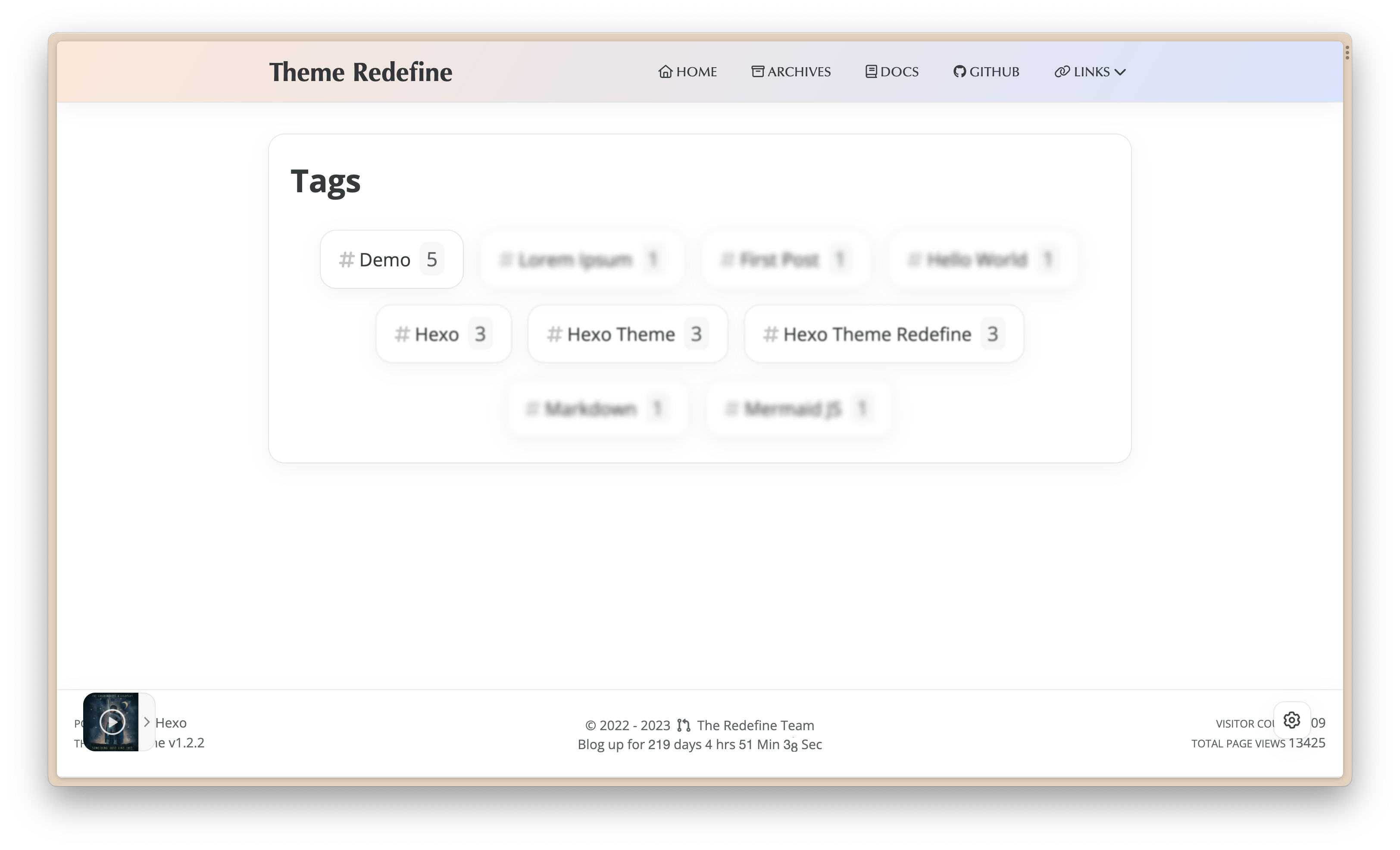
cloud style:
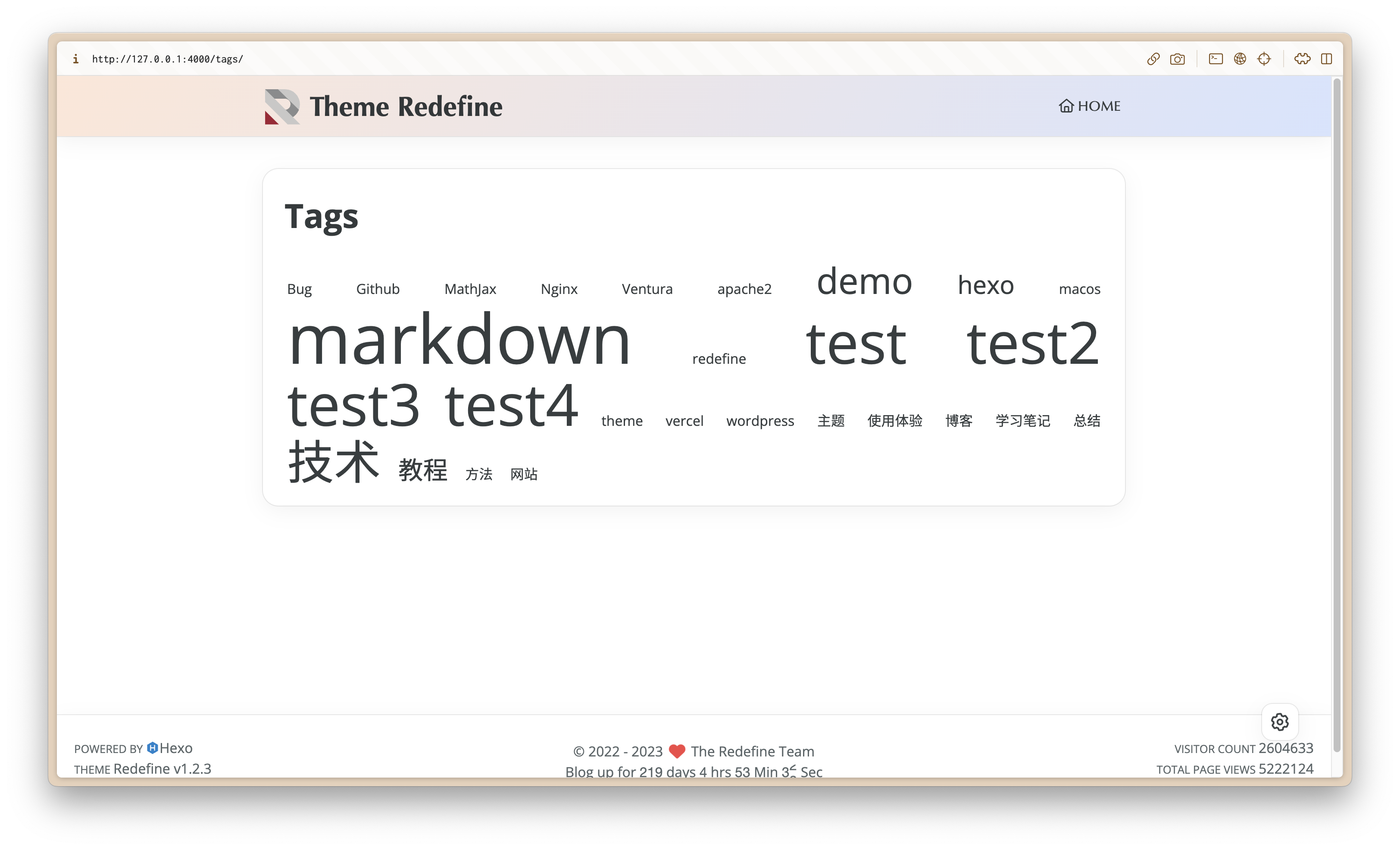
Configuration
Create Tags Page
Execute the following command in the Hexo root directory to create a Tags page.
hexo new page tagsThen, open the Markdown file of this page ( source/tags/index.md ), edit the Front Matter, add template: tags, and you can create a Tags page.
---
title: Tags (Your custom title)
date: 2023/5/14 11:45:14
template: tags
---
Add Tags Page to Navigation Bar
Enable tags in the navbar configuration option of the Redefine theme configuration file _config.redefine.yml.
navbar:
  tags:
    Tags: #取名随意
        icon: fa-solid fa-tags #图标
        path: /tags/ #链接
(It can also be placed in a sub-menu)
Change Style
Modify tags_style in the page_templates configuration option of the Redefine theme configuration file _config.redefine.yml.
Configuration Option Name: page_templates.tags_style
| Type | Possible Values | Default Value |
|---|---|---|
| String | blur, cloud | blur |
Last updated on