 Redefine Docs
Buttons Module
Add inline or standalone buttons with icon or image support.
Demo
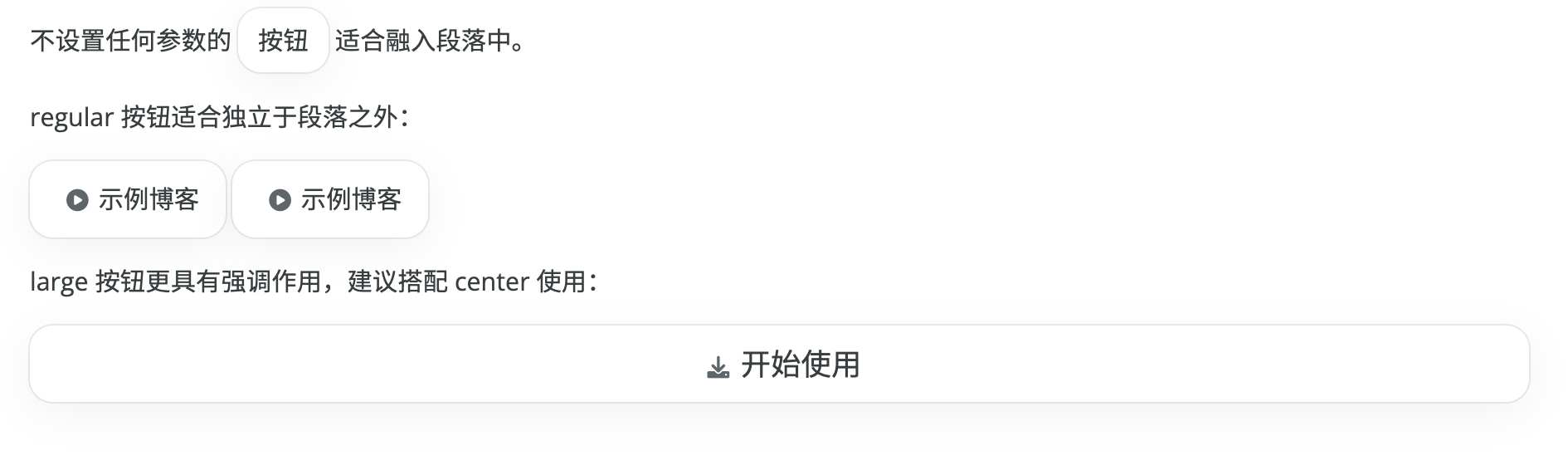
Recommended syntax
Use the button tag for new content:
{% button text="Get started" url="https://redefine-docs.ohevan.com" icon="fa-solid fa-download" %}Arguments
text/label: button texturl/href: link URLicon: icon class (for examplefa-solid fa-house)image/img: image URL/path used instead of iconsize:sm,md,lgalign:inline,left,center,righttitle: custom tooltip titletarget,rel: link target/rel attributes
When target="_blank" is set and rel is omitted, rel="noopener noreferrer" is added automatically.
Examples
Inline button: {% button text="Docs" url="/" %}

{% button text="Example" url="https://www.ohevan.com" icon="fa-solid fa-play-circle" size="md" %}

{% button text="Download" url="https://redefine-docs.ohevan.com" icon="fa-solid fa-download" size="lg" align="center" %}

{% button text="Open in new tab" url="https://redefine.ohevan.com" target="_blank" %}
Legacy syntax (deprecated)
{% btn %}still works, but it is deprecated. Use{% button %}.{% cell %}is deprecated. Use{% button %}.
Multi-button layouts
For grouped button layouts, use the Grid module.
{% grid cols=2 gap=16 %}
{% button text="Docs" url="https://redefine-docs.ohevan.com" %}
{% button text="Demo" url="https://redefine.ohevan.com" %}
{% endgrid %}
More
For a live experience, please visit the Redefine Demo Site.
Last updated on