 Redefine Docs
Buttons 按钮模块
支持段落内按钮和独立按钮,可搭配图标或图片。
效果
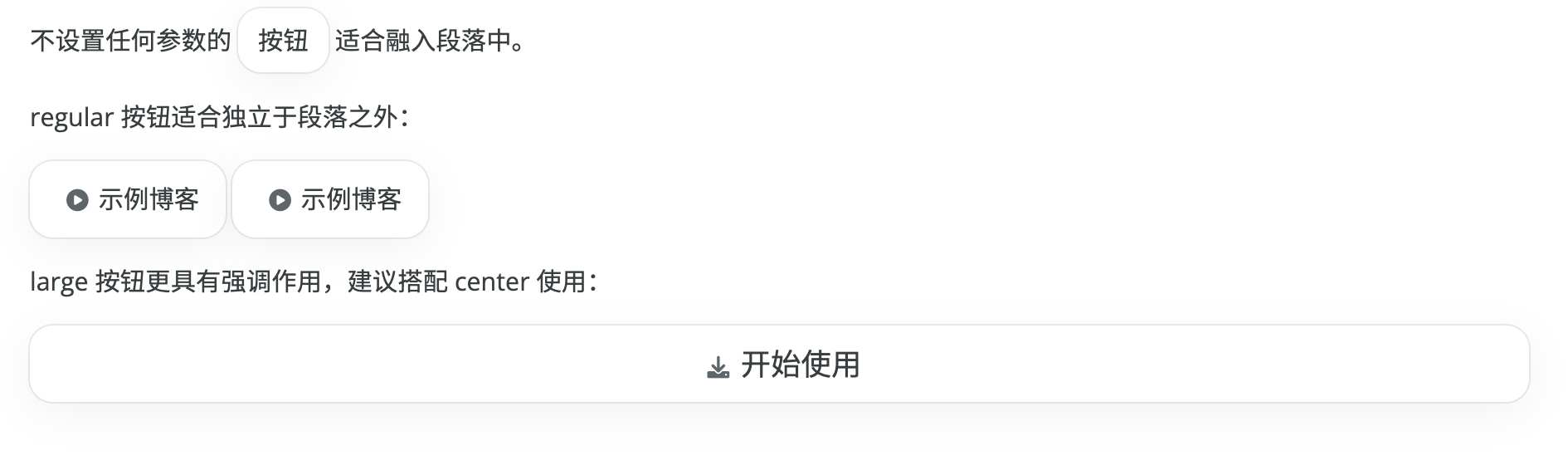
推荐写法
新内容建议使用 button 标签:
{% button text="开始使用" url="https://redefine-docs.ohevan.com" icon="fa-solid fa-download" %}参数
text/label:按钮文字url/href:跳转链接icon:图标类名(例如fa-solid fa-house)image/img:图片地址(会替代图标显示)size:sm、md、lgalign:inline、left、center、righttitle:自定义鼠标悬浮提示target、rel:链接属性
当设置 target="_blank" 且未传入 rel 时,会自动补上 rel="noopener noreferrer"。
示例
段落内按钮:{% button text="文档" url="/" %}

{% button text="示例博客" url="https://www.ohevan.com" icon="fa-solid fa-play-circle" size="md" %}

{% button text="开始使用" url="https://redefine-docs.ohevan.com" icon="fa-solid fa-download" size="lg" align="center" %}

{% button text="新标签页打开" url="https://redefine.ohevan.com" target="_blank" %}
旧写法兼容(已废弃)
{% btn %}仍可用,但已废弃,建议改为{% button %}。{% cell %}已废弃,建议改为{% button %}。
多按钮布局
多个按钮排版建议使用 Grid 网格模块。
{% grid cols=2 gap=16 %}
{% button text="文档" url="https://redefine-docs.ohevan.com" %}
{% button text="演示" url="https://redefine.ohevan.com" %}
{% endgrid %}
更多
实际体验欢迎前往 Redefine 演示站点。
Last updated on